
📖 What is Muse English?
Muse English is a free English learning app with daily lessons across all 6 CEFR levels (A1 Beginner to C2 Proficient). Every day brings new vocabulary, a real podcast conversation, shadowing practice, grammar and quizzes — all at museenglishapp.com.
📚 Vocabulary
10 new words Learn new words with real examples and audio.





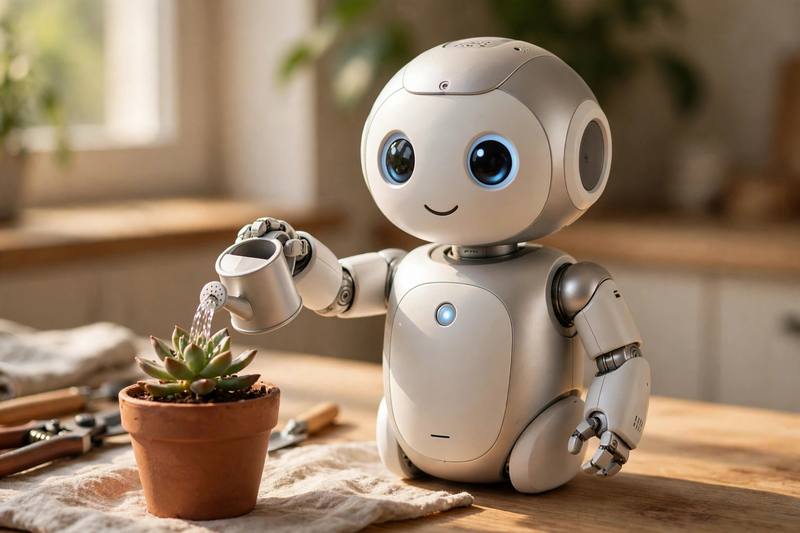
Podcast: Everyday Technology
Listen to today’s conversation.
📝 Podcast Transcript
Hello and welcome back to Word Kitchen, the show where we take tricky English words and cook them down into something easy to understand. I am Maya.
And I am Lena. Today we have a delicious theme for you, technology. Not the complicated textbook kind, but the technology you touch every single day.
Exactly. Your phone, your laptop, your smart speaker, they are all full of interesting technology. And today we will learn ten useful words that describe it. By the end of the show, you will be able to talk about your gadgets like a native speaker.
Our first word is algorithm. An algorithm is a set of rules a computer follows to solve a problem. When your music app recommends a new song, an algorithm chose it for you.
That is right. Every time you open a social media app, an algorithm decides which posts you see first. So the algorithm is basically the brain behind your feed.
It is everywhere. Search engines use an algorithm to rank websites, and banks use an algorithm to spot unusual payments. Once you know the word algorithm, you start noticing it in your life every day.
Great tip. Now word number two, interface. The interface is the screen or control system that lets you use a device or an app. All the buttons, menus, and icons you touch are part of the interface.
I love this word because it is so practical. You can say, this app has a clean interface, which means it is simple and easy to use. Or you can complain that a website has a confusing interface.
And when designers talk about their job, they often say they design the interface, the look and the feel of the app. So the interface is really the face of any software.
Word three is encryption. Encryption is the process of coding information so that only allowed people can read it. When you send a secret message, encryption scrambles it into unreadable code.
Your bank uses strong encryption to protect your money and your data. Good encryption means hackers cannot read your private information even if they steal it.
So next time someone asks why your messages are safe, you can say, because of end to end encryption. It is a powerful word, encryption, and it keeps your digital life private.
Which brings us perfectly to word four, bandwidth. Bandwidth is the amount of data your internet connection can carry at one time. Think of it like a road. A wide road carries more cars, and high bandwidth carries more data.
That is why video calls need so much bandwidth. If your bandwidth is low, the video freezes and the sound breaks up. Nobody likes a call with bad bandwidth.
And when everyone in the house is streaming movies at once, they are all sharing the same bandwidth. More bandwidth means everyone gets a smooth connection.
Word five is virtual. Virtual means something is not physically real, but it appears real on a screen. A virtual meeting happens online, not in a real office.
During the last few years, virtual events became huge. People attended virtual concerts, virtual classes, and even virtual weddings from their living rooms.
My grandmother took a virtual cooking class last month. She learned to bake bread through her tablet. A virtual classroom can feel surprisingly real when the teacher is good.
Word six is sensor. A sensor is a small device that detects changes like heat, light, or movement. The sensor in your phone turns the screen off when you hold it to your ear.
Modern cars are full of sensors. A parking sensor beeps when you get too close to another car. A temperature sensor tells your smart home to turn on the heating.
Even your fitness watch has a sensor that counts your heartbeat. The tiny sensor works all day without you noticing it. Technology quietly collects information through every sensor.
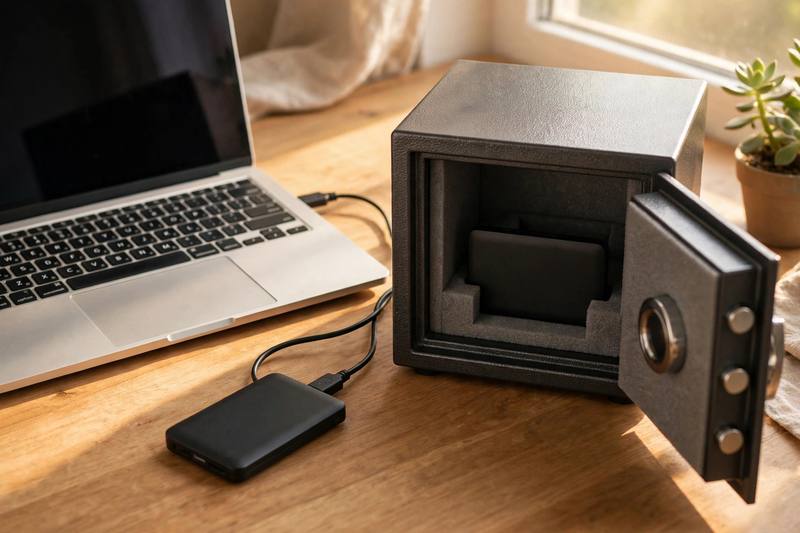
Word seven is backup. A backup is a saved copy of your data that you can use if the original is lost. If your laptop breaks, your backup saves your photos and documents.
I learned this the hard way. I lost a whole project once because I had no backup. Now I make a backup of my important files every single week.
Smart. Many people keep a backup in the cloud, which means a copy stored on the internet. Whether it is a hard drive or the cloud, a backup gives you peace of mind.
Word eight is upgrade. To upgrade means to make a device or a system newer or better. When your phone offers a software update, you upgrade to get new features.
I decided to upgrade my old laptop last year. The upgrade made it twice as fast, and I could finally edit videos without waiting forever.
Businesses also upgrade their systems to stay safe. An upgrade often fixes security problems too, so upgrading is not just about speed, it is about safety.
Word nine is privacy. Privacy is your right to keep your personal information safe and under your control. When you share less online, you protect your privacy.
This word matters more every year. Companies collect your data, so you should check your privacy settings regularly. Your privacy settings decide who can see your photos and posts.
And remember our word encryption from earlier. Strong encryption is one of the best ways to defend your privacy. Privacy and security always go together.
Our final word is robot. A robot is a machine that can do tasks automatically. A robot vacuum cleans your floors while you relax on the sofa.
In many factories, a robot builds cars and packs boxes faster than any human. The robot never gets tired and never makes a careless mistake.
Some restaurants even use a robot to deliver food to your table. Watching a little robot roll toward you with your dinner is honestly a lot of fun.
Okay, time for a quick recap, Maya style. Let us cook these ten words once more so they really stick in your memory.
An algorithm is the smart set of rules behind your apps. An algorithm picks your songs, your posts, and your search results.
The interface is the screen you touch, the face of the app. A good interface feels simple, a bad interface feels like a puzzle.
Encryption scrambles your data so strangers cannot read it. Banks and messaging apps rely on encryption every day.
Bandwidth is your internet road. Wide bandwidth gives you smooth video calls, narrow bandwidth gives you frozen faces.
Virtual means online but real feeling, like a virtual class or a virtual concert. A virtual meeting still needs a real smile.
A sensor detects the world for you, light, heat, movement. Your phone, your car, and your watch each carry a clever sensor.
A backup is your safety copy. Keep a backup of your files, and you will never cry over a broken laptop again.
To upgrade is to make things newer and better. Upgrade your phone, upgrade your software, upgrade your life.
Privacy is your right to control your own information. Guard your privacy settings like you guard your front door.
And a robot is your automatic helper, from the robot vacuum to the robot chef. The future is full of friendly robot assistants.
Listeners, before we close, let us answer a question from one of our listeners. Sam from Berlin wrote to us. He says, I bought a new smart home system, and the instructions are full of difficult words. Can you help me understand them.
Oh, perfect timing, Sam. Let us use your smart home as an example for all ten of our words today.
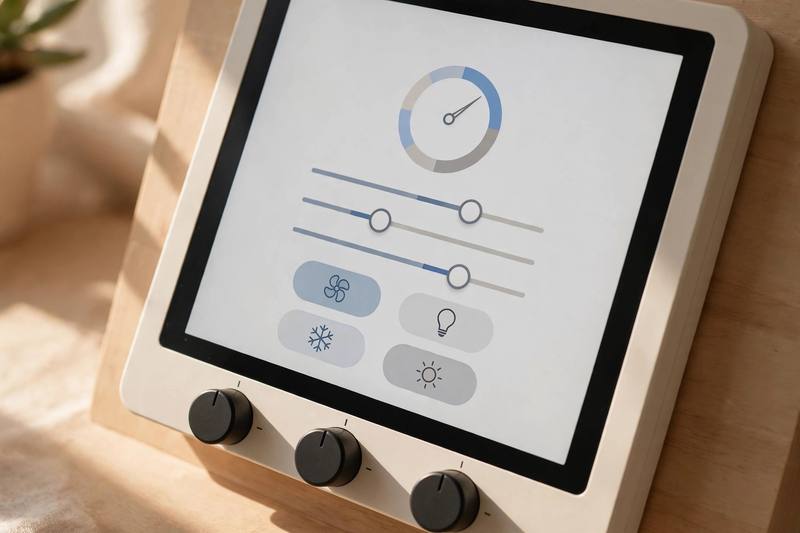
Great idea. So Sam, when you set up the system, you first meet the interface. The interface is the app on your phone where you control everything. If the interface is friendly, setup takes five minutes.
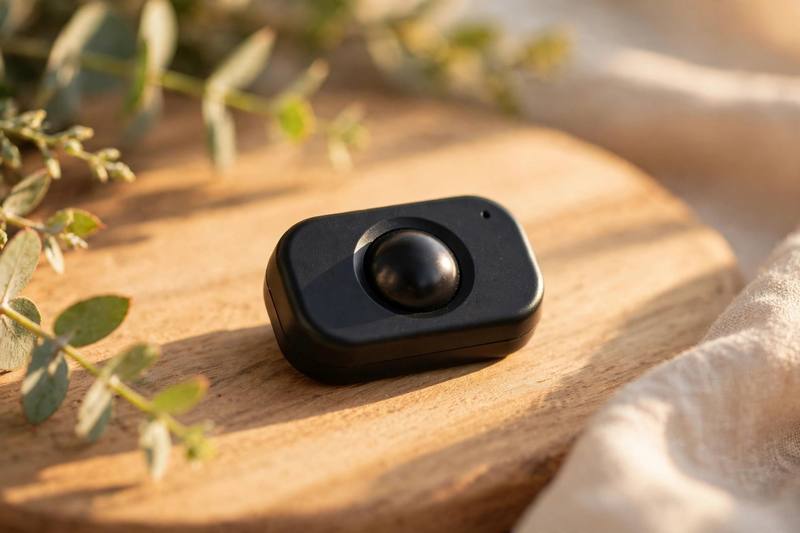
Then each room has a sensor. The motion sensor notices when you walk in and turns on the lights. The temperature sensor keeps your home warm or cool exactly the way you like it.
Your doorbell camera uses strong encryption, so the video of your front door stays private. Nobody outside your family can watch it, because encryption locks the video with a secret code.
But all of this needs enough bandwidth. If your bandwidth is small, the cameras freeze and the lights respond slowly. Sam, a faster internet plan gives your smart home the bandwidth it needs to work smoothly.
Some systems even learn from you. The learning algorithm studies your habits and guesses when you come home. A smart algorithm can turn on the heating ten minutes before you arrive.
You can also talk to the whole house through a virtual assistant. A virtual assistant is not a real person, but it listens and answers like one. Just say good morning, and your virtual helper reads the news and starts the coffee machine.
And if something breaks, do not panic. Your settings have a backup in the cloud, so you can restore everything in one tap. A daily automatic backup protects you from losing your setup.
The company will also send you a free upgrade once a year. Each upgrade adds new features and fixes old bugs, so always install the upgrade when it arrives.
Now about privacy, Sam. Read the privacy policy before you connect new devices. You decide which data leaves your home, and good privacy controls keep your family safe.
Finally, the fun part. Some smart homes include a small robot vacuum. Your little robot maps the rooms and cleans the floors every night while you sleep. Who would not love that.
Thank you for the question, Sam, and thanks for listening, everyone. That was Word Kitchen for today, ten tasty technology words, cooked and served.
Practice them out loud, use them with your friends, and join us again for the next episode of Word Kitchen.
Until then, keep learning and keep cooking with words. Bye for now.
Bye everyone.
🎙 Try Shadowing free sample
Listen and repeat along with the studio audio. Full shadowing practice with pronunciation scoring is in the app.
The Robot That Cleans My Home
Last Saturday, I bought a small robot for my apartment.
The friendly robot arrived in a big box with a smiling face on it.
Train your speaking
Shadow every sentence with studio audio and get your pronunciation scored — only in the Muse English app.
📝Grammar: Present perfect and past simple
The **present perfect** is formed with **have/has + past participle**. Use it for past experiences when you do not say exactly when they happened. I have tested a cleaning robot at home, and I have never used an interface this simple before. Use the **present perfect** for recent actions that have a result now. It goes with **yet**, **already**, and **just**. She has just made a backup of her files. Have you upgraded your phone yet? Use the **past simple** for finished actions when you say or know when they happened. I installed a sensor in my hallway last week. The company released the big
Master this grammar in the app
Get clear explanations, more examples and interactive exercises.
Keep learning every day
New lessons, podcasts and quizzes daily — free in the Muse English app.