
📖 What is Muse English?
Muse English is a free English learning app with daily lessons across all 6 CEFR levels (A1 Beginner to C2 Proficient). Every day brings new vocabulary, a real podcast conversation, shadowing practice, grammar and quizzes — all at museenglishapp.com.
📚 Vocabulary
10 new words Learn new words with real examples and audio.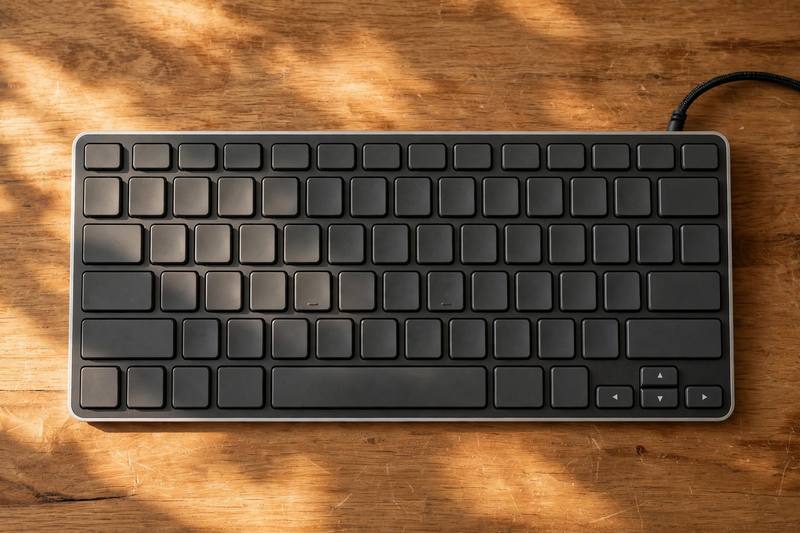
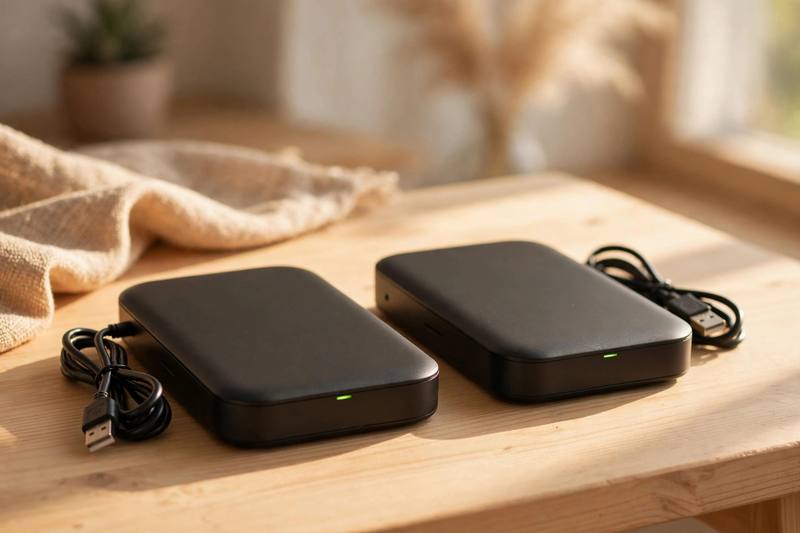
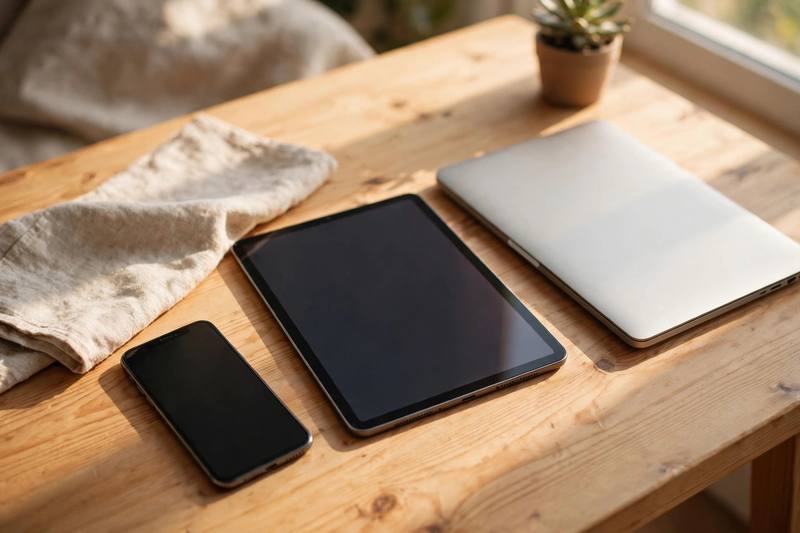
Podcast: Technology
Listen to today’s conversation.
📝 Podcast Transcript
Welcome to Word Kitchen, the show where we cook up new English words together. I am Maya.
And I am Lena. Today's menu is technology, Maya. Ten delicious tech words.
Let us start with the one we touch all day long. The keyboard. Lena, how many hours a day do your fingers spend on a keyboard?
Oh, probably six hours. My laptop keyboard is my best friend and my worst enemy.
Same here. I learned to type fast because my keyboard broke at work and I had to use an old one.
An old keyboard with sticky keys? That is a nightmare. I actually bought a wireless keyboard last year, and my hands are much happier.
A wireless keyboard is a game changer. But tell me, Lena, what happens when the power runs out?
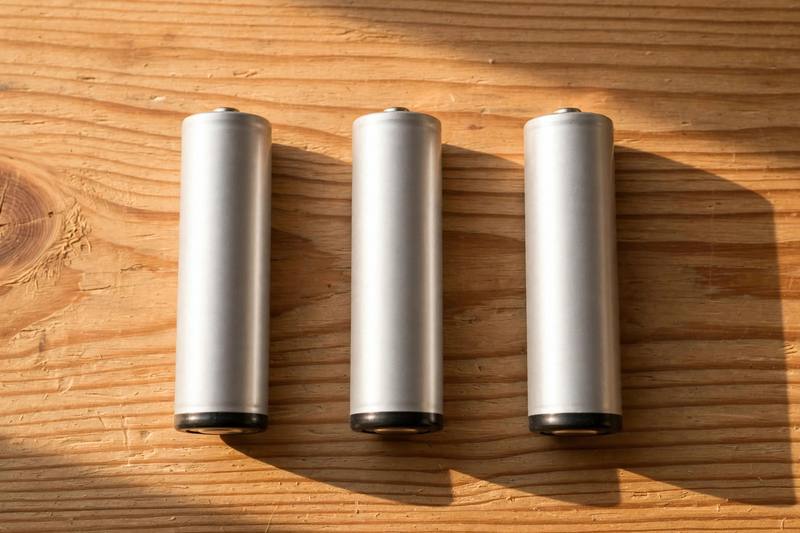
Then we talk about the battery. My phone battery never survives a full day.
Mine either. I check the battery percentage about fifty times a day. If the battery drops below twenty percent, I start to panic.
Twenty percent is my danger zone too. I always carry a power bank, but the real problem is the battery in my old tablet. It dies after two hours.
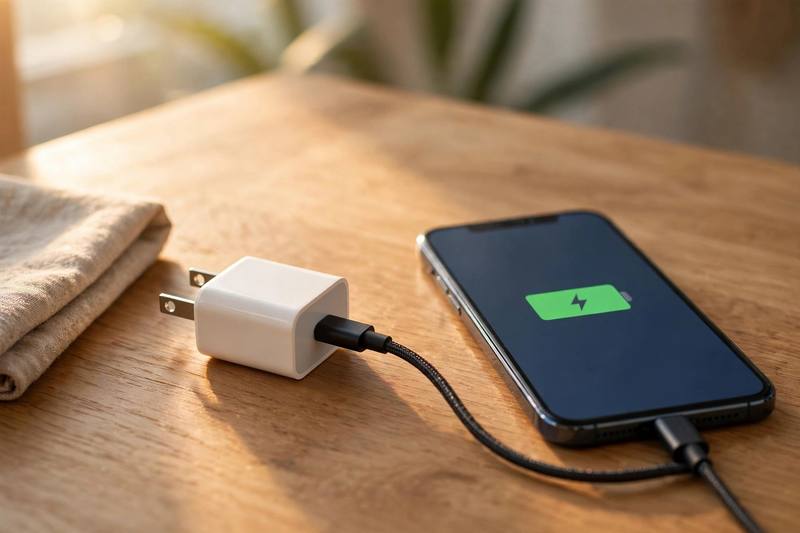
A weak battery is painful. But you know what saves me every day? My charger.
Ah, the charger. I have three chargers, and I still lose all of them.
I bought a new charger for the office, another charger for home, and a tiny charger for my bag.
And the charger is always in the other room. Funny how that works.
The real question is why we even need the charger so often. It is all those notifications.
Notifications! Every app wants your attention. I get a notification, then another notification, then ten more.
I turned off half my notifications last month, and I feel so much calmer. A notification is not always important.
True, but some notifications matter. I missed a flight once because I ignored the notification from the airline app.
Oh no. So maybe keep the travel notifications on. Now, speaking of apps, let us talk about safety. Passwords.
My least favorite word. My password is strong, but I have to remember a different password for every account.
That is the rule. One password per site. If you reuse the same password everywhere, one hack opens every door.
I use a password manager now. It creates a random password for me, and I only remember one main password.
Smart. A good password should be long and strange, not your birthday.
Never your birthday. Okay, what about updates? Software updates.
I always press remind me later when my phone asks me to update. Then I forget to update for weeks.
Same. But you really should update your device regularly, because an update often fixes security problems.
That is true. Last month I finally ran the update, and my phone felt brand new. So yes, update early, update often.
And while the update is running, what do we usually do? We download things.
We download apps, music, and movies. I downloaded three new apps this morning.
I download too many podcasts. My storage is full because I download every episode and never delete them.
At least you can download them and listen offline. A slow internet connection makes every download painful, though.
Slow downloads are the worst. Okay, next word, and this one is a lifesaver: backup.
Everyone needs a backup. I keep a backup of my photos in the cloud, and another backup on an external drive.
Two backups? That is serious.
I lost everything once. My laptop died, and I had no backup at all. Now the backup runs automatically every night.
Automatic backup is the dream. I set mine up after I lost my notes. A good backup means you never cry over a broken phone.
Exactly. And speaking of phones, let us talk about the word device. A device is any small machine: a phone, a tablet, a laptop.
How many devices do you own, Maya?
Let me count. My phone, my laptop, my tablet, my watch. Four devices. Too many devices, maybe.
I have three devices, and each device needs charging, updating, and protecting. Every device is a small pet.
That is a funny way to see it. My favorite device is my e-reader. One device, one job, no notifications.
I want one device with no notifications too. Now our last word: software.
Software is what makes the device smart. Without software, a phone is just an expensive brick.
The software on my laptop is old, so everything runs slowly. I need to update the software, but I am lazy.
There is good free software for almost everything now. Photo software, music software, even software for learning English.
Like this podcast's app. The software in that app remembers our vocabulary. Great software makes learning easy.
Let us review our ten words quickly. Keyboard.
Keyboard. I love my wireless keyboard.
Battery.
Battery. My battery never lasts.
Charger.
Charger. I always need my charger.
Notification.
Notification. Too many notifications.
Password.
Password. Keep every password safe.
Update.
Update. Do not forget to update.
Download.
Download. I download too much.
Backup.
Backup. Keep a backup always.
Device.
Device. How many devices do you own?
Software.
Software. Good software makes life easy.
Before we finish, a quick quiz. Lena, what do you call the thing you type on?
A keyboard, of course. And the thing that stores power?
The battery. What fills it up?
The charger. And the messages that pop up on the screen?
Notifications. And what keeps your account safe?
A strong password. I think our listeners know these words now.
That is our tech menu for today. Use these ten words this week, and they will stick.
And we will be back tomorrow with a fresh batch. See you then.
Bye everyone.
🎙 Try Shadowing free sample
Listen and repeat along with the studio audio. Full shadowing practice with pronunciation scoring is in the app.
My laptop keyboard is quiet and comfortable.
My laptop keyboard is quiet and comfortable.
My phone battery dies before lunch every day.
Train your speaking
Shadow every sentence with studio audio and get your pronunciation scored — only in the Muse English app.
📝Grammar: Articles - a / an, the, no article
Use **a** or **an** with a singular countable noun when you say what something is. Say **an** before a vowel sound: **a charger**, **an old keyboard**. Use **a / an** the first time you mention something new, like **a notification** or **an update**. Later, when both people know which one you mean, use **the**: **the notification**, **the update**. Use **the** when there is only one of something, or when the meaning is clear. For example: **the battery** of your phone, **the software** on this device. Use **the** with superlatives and with places in town. For example: **the fastest download
Master this grammar in the app
Get clear explanations, more examples and interactive exercises.
Keep learning every day
New lessons, podcasts and quizzes daily — free in the Muse English app.