
📖 What is Muse English?
Muse English is a free English learning app with daily lessons across all 6 CEFR levels (A1 Beginner to C2 Proficient). Every day brings new vocabulary, a real podcast conversation, shadowing practice, grammar and quizzes — all at museenglishapp.com.
📚 Vocabulary
10 new words Learn new words with real examples and audio.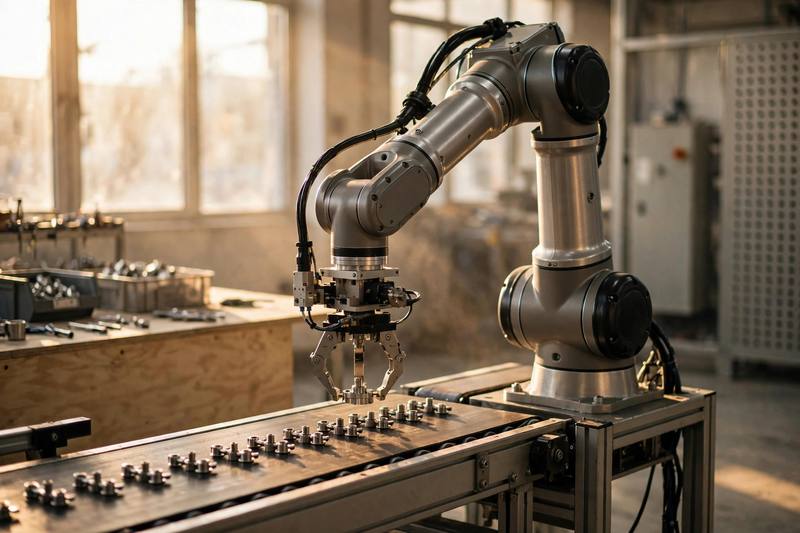

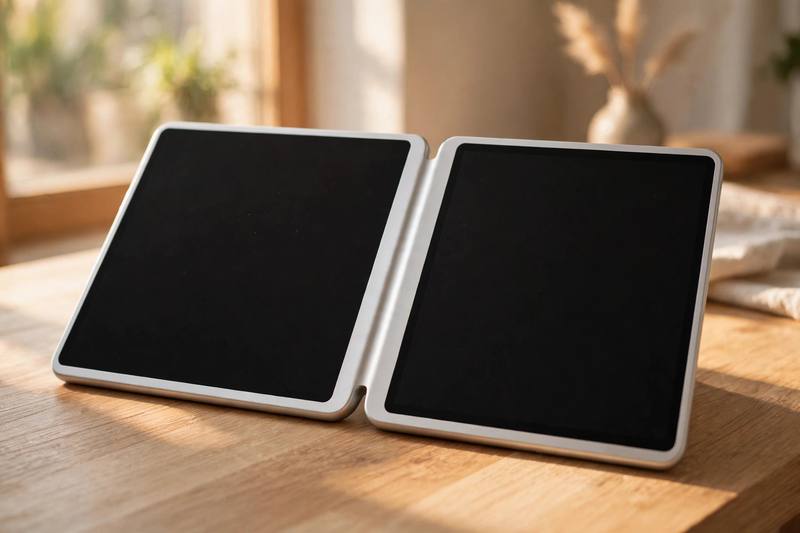



Podcast: Technology
Listen to today’s conversation.
📝 Podcast Transcript
Welcome back to Word Kitchen, everyone! I'm Maya.
And I'm Lena. Today we're talking about something that touches every single part of our lives — technology.
That's right. We've got ten delicious words today, all about tech. Words that describe how machines and software change the way we work, shop, and relax.
And I have to confess something. Ten years ago, technology scared me a little. Now I can't even make coffee without asking my smart speaker for the weather first.
Ha! Same here. I got a new phone last week, and I spent the whole evening just exploring it. So let's start with our first word: automate. When a company decides to automate a process, it means machines or software take over work that people used to do by hand.
Oh, that's everywhere now. My local grocery store decided to automate the checkout. Now there are six self-checkout machines and only one human cashier, and she mostly just helps confused customers.
Right. And car factories automate their assembly lines. Banks automate fraud detection. Hospitals automate appointment reminders. The idea is to let people focus on creative, human work while software handles the repetitive stuff.
But here's the big question everyone asks: when we automate jobs, do we create better jobs or just destroy old ones?
It's the debate of our time. When companies automate boring, repetitive tasks, workers can move into more interesting roles. But it also means some jobs simply disappear, and not everyone can retrain easily.
Okay, word two: innovate. To innovate means to introduce new ideas or methods. And honestly, this is my favorite kind of company — the ones that innovate instead of copying.
Mine too. The companies that innovate are the ones that surprise us. Think about how mobile phones looked twenty years ago — they were basically bricks with buttons.
They were! Then someone decided to innovate and put a full touchscreen on a phone, and suddenly everything changed.
Exactly. Small startups often innovate faster than big corporations because they can take risks. They don't have ten layers of managers saying no to every crazy idea.
And when you truly innovate, you don't just improve things a little — you change the game completely. You make people rethink what's possible.
But here's the sad truth: companies that fail to innovate get left behind. Remember video rental stores? They refused to innovate, and streaming services replaced them in just a few years.
Ouch. So the lesson is: innovate or disappear.
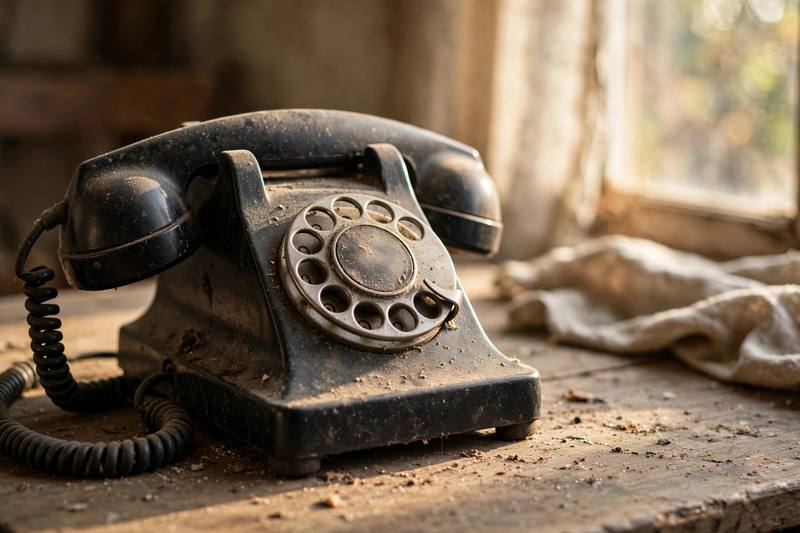
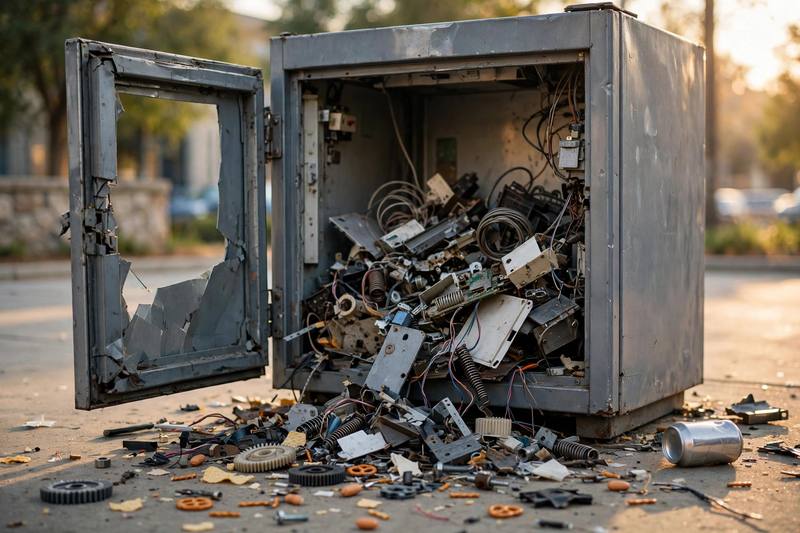
Pretty much. Which brings us to a slightly sad word for old gadgets: obsolete. Something obsolete is no longer useful because something newer and better exists.
Like my old DVD player. It's completely obsolete now. It just sits in a closet collecting dust.
Or fax machines. They're almost obsolete. I used to send faxes at my first job, and now young people don't even know what a fax machine is.
The funny thing is, today's amazing invention becomes tomorrow's obsolete gadget. Everything in tech moves so fast that nothing stays new for long.
Okay, word four: seamless. Seamless means smooth and continuous, with no problems, breaks, or interruptions.
Yes! The best technology feels seamless. You start watching a movie on your phone on the train, and it continues seamlessly on your TV when you get home.
I love that feeling. When my earbuds connect seamlessly to my laptop, I feel like I'm living in the future.
Companies work incredibly hard to create a seamless experience, because the moment something feels clunky or confusing, users leave and never come back.
Right. A seamless connection between all your devices is the dream. Nobody wants to restart their router five times a day or type in a password seventeen times.
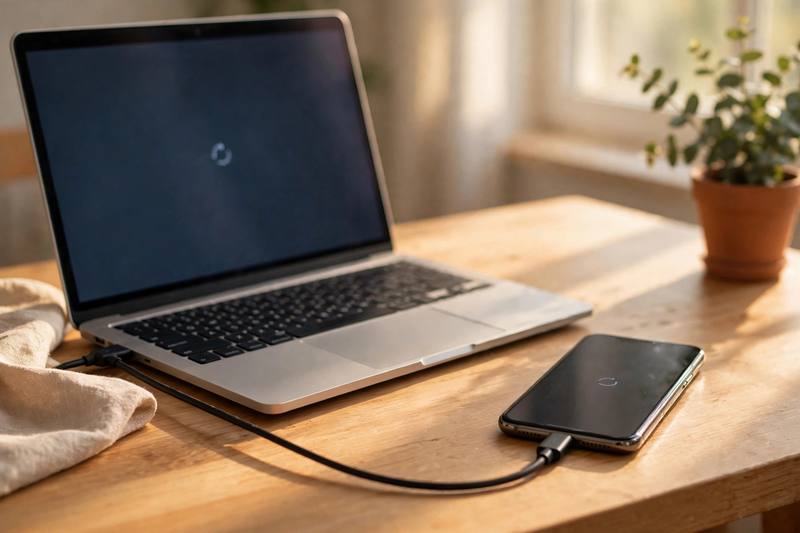
But seamless can break, too. Last month my phone did a software update overnight, and in the morning nothing was seamless anymore. My watch wouldn't connect, my earbuds were silent — chaos.
Okay, word five: breakthrough. A breakthrough is an important discovery or development — one of those big moments that changes everything.
Like when scientists announced the breakthrough in battery technology. Suddenly electric cars could drive twice as far on one charge.
Or the big breakthrough in voice recognition. Ten years ago, talking to your phone was a joke — it never understood you. Now it actually works, most of the time.
Every breakthrough starts with someone refusing to accept the limits everyone else accepts. That's what I love about this word.
And behind every breakthrough, there are a thousand failures nobody talks about. For every success story, there are years of experiments that went nowhere.
True. But even small breakthroughs count. Last week I finally figured out how to automate my monthly reports, and it felt like a personal breakthrough.
I love that. Okay, word six: malfunction. To malfunction means to stop working correctly. And oh, do I have stories.
Don't we all. My printer decided to malfunction right before an important meeting last month. It just started printing blank pages, one after another.
Classic. My smart speaker malfunctioned during a dinner party and started playing heavy metal at full volume while we were eating dessert.
That's the thing about technology — when it works, it's pure magic. When it malfunctions, it's either comedy or tragedy, sometimes both.
I think every new gadget will malfunction at the worst possible moment. It's practically a law of nature. New phone on the day of a job interview? It will malfunction.
My advice is the classic one: turn it off and turn it on again. It fixes a malfunction about half the time, and the other half you just buy a new one.
Words of wisdom. Word seven: accessible. Accessible means easy for everyone to use or reach. This one matters a lot to me.
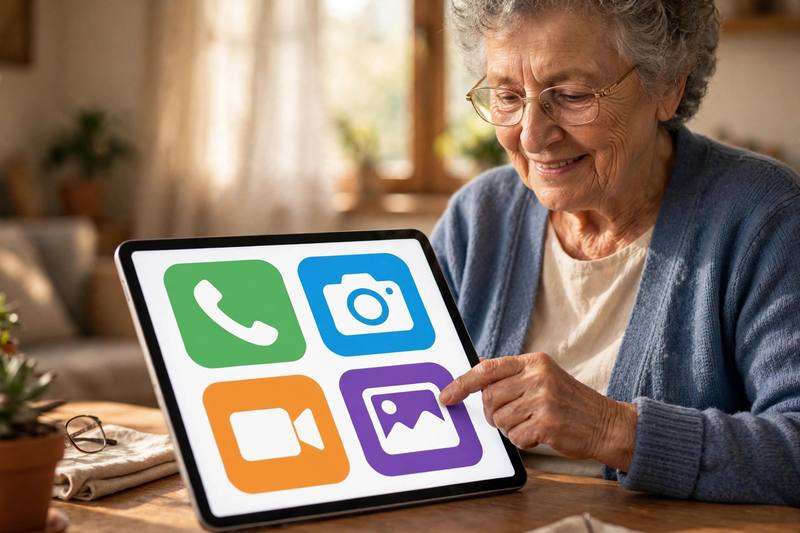
Same here. Good design makes technology accessible to everyone — including older people, kids, and people with disabilities.
Exactly. When apps have big buttons and clear menus, they become accessible to my grandmother. When they don't, she gives up and calls me for help.
And accessible doesn't just mean easy to use. It also means affordable. A phone isn't truly accessible if only rich people can buy it.
Great point. The best companies think about making their products accessible from day one, not as an afterthought.
Voice control is a perfect example. It made smartphones accessible to people who can't see the screen well. That's a real breakthrough in accessibility.
Beautifully said. Word eight: intuitive. Intuitive means easy to understand without any explanation. This is the gold standard for design.
Yes! The new interface is so intuitive that no manual is needed. You just pick it up, tap around, and it makes sense.
My favorite apps are intuitive. I never read the instructions — I just explore, and everything is where I expect it to be.
When designers innovate well, the result feels intuitive. You don't think about the technology at all. It just disappears into the background.
But when something isn't intuitive, you feel stupid, even though it's completely the designer's fault. Bad design blames the user.
My grandmother versus my nephew is the perfect test. If both of them can use an app without help, it's truly intuitive.
That's the ultimate test. Word nine: compatible. Compatible means able to work well together. This one causes me real pain.
Tell me about it. I bought a charger that wasn't compatible with my phone, and I had to drive all the way back to the store to return it.
Or when your old files aren't compatible with the new software version. Hours of work, suddenly unreadable. That hurts.
That's why standards matter so much. When everything is compatible, life feels seamless. When it's not, it's pure chaos.
I always check that my devices are compatible before I buy anything new now. Lesson learned the hard way, twice.
I heard some countries now require all phones to use the same charger type, so everything stays compatible. That's smart regulation.
Very smart. And our tenth and final word: streamline. To streamline means to make a process simpler and faster by removing unnecessary steps.
I love this word. We streamlined our checkout process at work last quarter, and customers noticed the difference immediately.
Companies streamline everything — hiring, shipping, customer service. The goal is always to remove the boring, repetitive steps.
I try to streamline my mornings, too. Coffee, news, gym — no wasted time, no decisions to make before I'm fully awake.
And honestly, the best way to streamline any workflow is often to automate the repetitive parts first. Let software do the boring work.
Full circle! We started with automate and we're ending with streamline. So let's do a quick recap of all ten words. Maya, hit me.
automate — let machines or software do the repetitive work for you.
innovate — introduce new ideas and change the game.
obsolete — old tech that something newer has replaced.
seamless — smooth and continuous, with no breaks or problems.
breakthrough — a big, important discovery or development.
malfunction — when technology stops working correctly.
accessible — easy for everyone to use and reach.
intuitive — easy to understand with no explanation needed.
compatible — able to work well together.
streamline — make a process simpler and faster.
And notice how they all connect. Companies innovate to create a breakthrough. That breakthrough makes old tools obsolete.
Then they automate the new process, streamline the workflow, and try to make everything seamless, compatible, and intuitive.
And if they do it right, the result is accessible to everyone — until the day it malfunctions, of course.
Ha! There's always a malfunction waiting around the corner. Well, that's our show for today. Thanks for cooking up words with us in the Word Kitchen.
Try to use these ten words this week — describe the tech in your life with them. We'll see you next time. Bye!
Bye, everyone!
🎙 Try Shadowing free sample
Listen and repeat along with the studio audio. Full shadowing practice with pronunciation scoring is in the app.
The Paperless Office
When Sara joined the small delivery company, everything was done on paper.
She wanted to automate the boring paperwork that wasted hours every day.
Train your speaking
Shadow every sentence with studio audio and get your pronunciation scored — only in the Muse English app.
📝Grammar: Past and present habits and states (used to)
Use **used to** + infinitive for past habits and states that are no longer true. Most factories **used to** do everything by hand before they learned to **automate** production. In negatives and questions, use **didn't use to** and **did you use to**. **Did** offices **use to** print everything before email made paper **obsolete**? There is no present form of **used to** — never say "I use to". For present habits, use the present simple with an adverb of frequency like **usually** or **normally**. You may also use the past simple for repeated past actions. But use only the past simple — nev
Master this grammar in the app
Get clear explanations, more examples and interactive exercises.
Keep learning every day
New lessons, podcasts and quizzes daily — free in the Muse English app.