
📖 What is Muse English?
Muse English is a free English learning app with daily lessons across all 6 CEFR levels (A1 Beginner to C2 Proficient). Every day brings new vocabulary, a real podcast conversation, shadowing practice, grammar and quizzes — all at museenglishapp.com.
📚 Vocabulary
10 new words Learn new words with real examples and audio.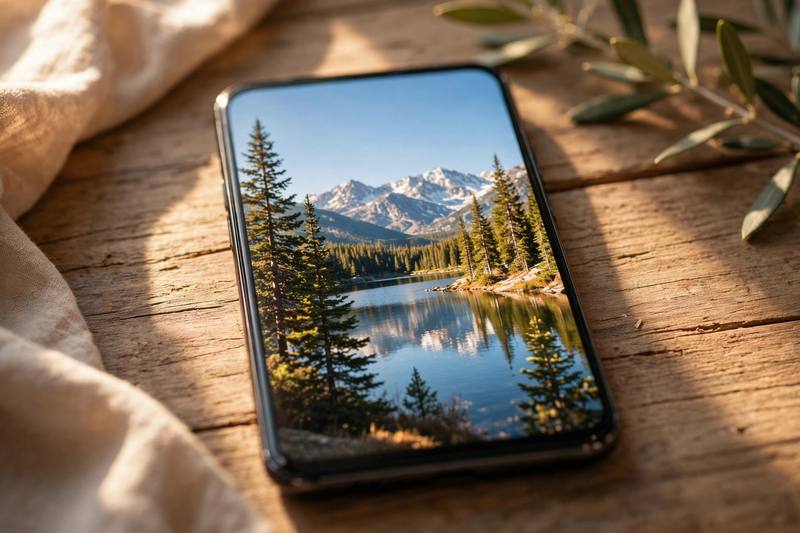



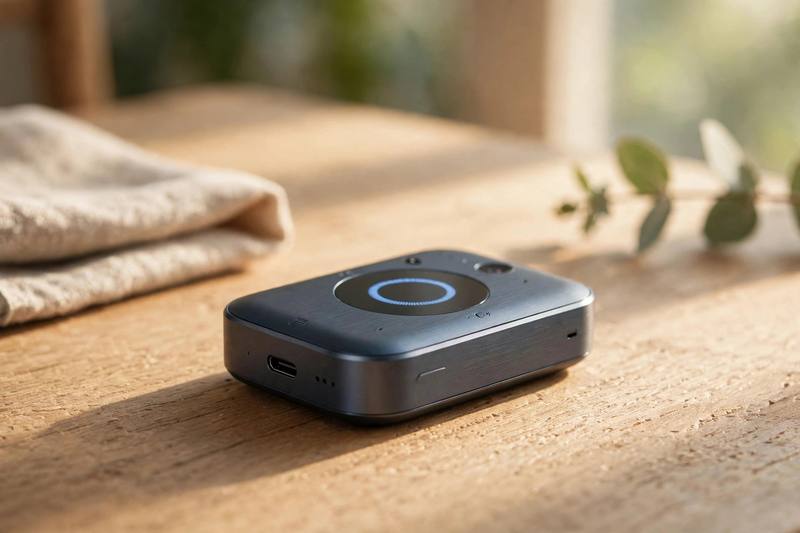
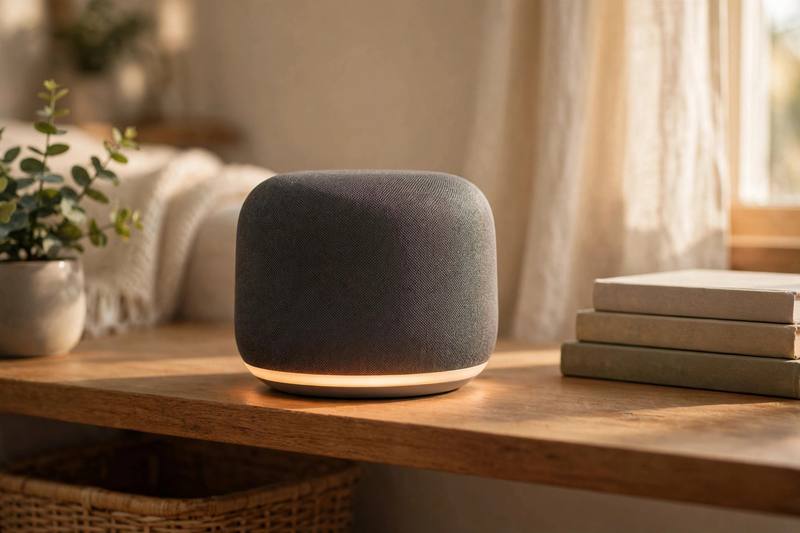
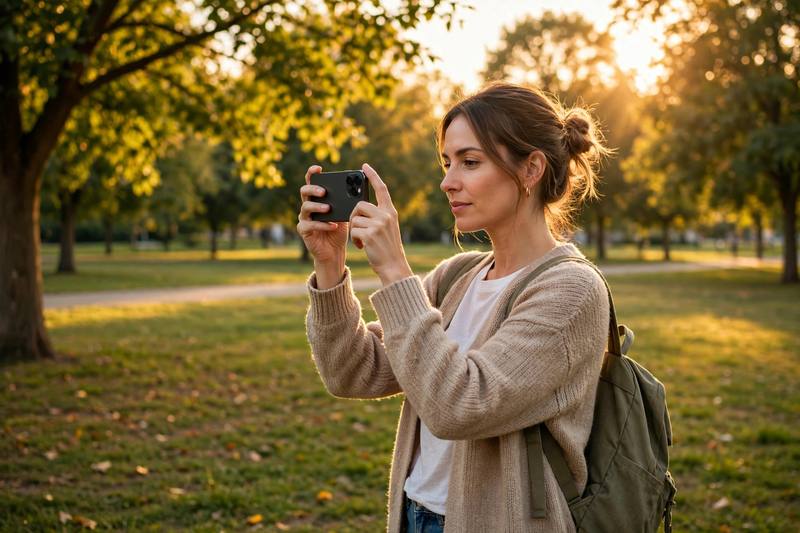
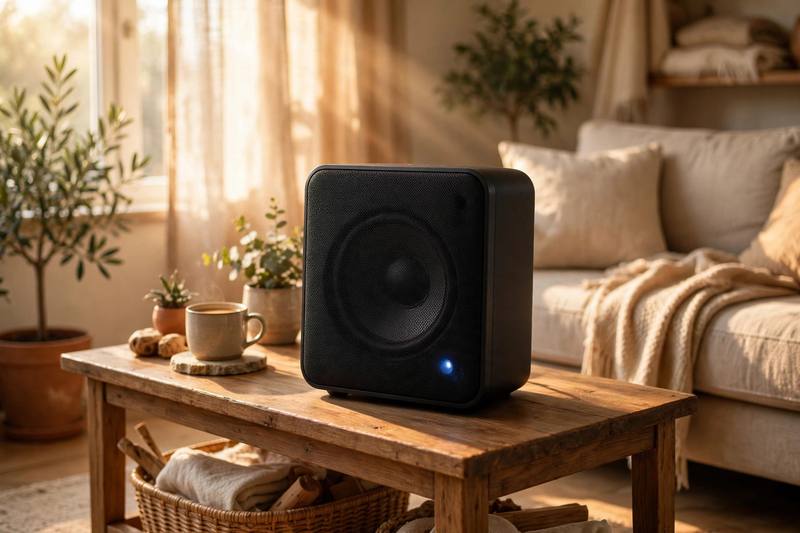
Podcast: Technology
Listen to today’s conversation.
📝 Podcast Transcript
Welcome to Muse English! I am Maya, and today we are talking about technology, the gadgets we use every single day.
And I am Lena. Hi, everyone. Today we have ten useful tech words, and we will use them in real everyday stories.
Let us start with the word screen. We look at a screen all day. My phone screen is the first thing I see in the morning.
Same here. When I wake up, I check the news on my screen. A screen is the flat front part of your phone or computer where you see pictures and words.
Right. I read the news on my phone screen every morning. Last week my screen cracked, and I was so sad.
Oh no! Did you get a new screen for your phone?
I did. The new screen is brighter, and now I can read everything clearly on my screen.
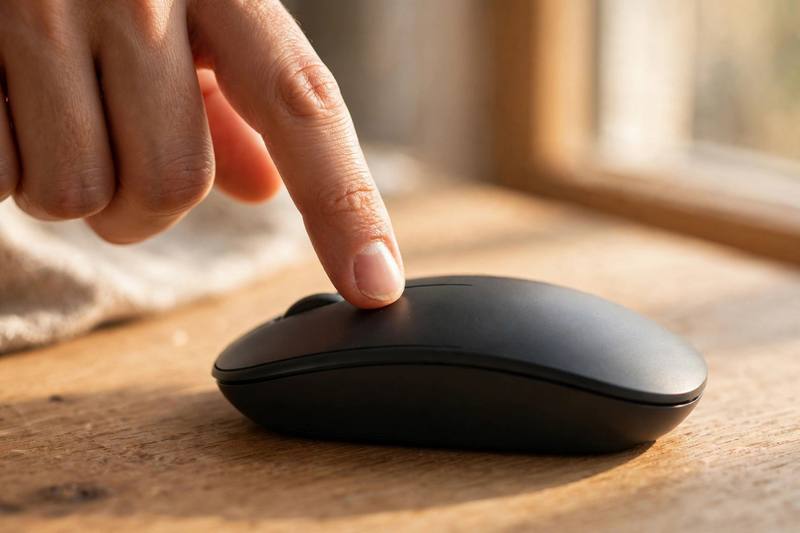
Our first word is done: screen. Next word: click. To click means to press a button with your mouse or your finger.
Exactly. On my laptop, I click the green button to start a video. You just click and it plays.
When I shop online, I click the photo to see it bigger. One click and you can buy almost anything.
Be careful, one click can be dangerous! I once clicked the wrong button and ordered two pizzas.
Ha! Every click matters. Remember, to click is our second word.
Word three: upload. When you send a photo from your phone to the internet, you upload it.
Yes. She uploads her photos to the internet every evening. I also upload my videos after every trip.
I love to upload. Yesterday I helped my grandmother upload her birthday photos.
That is sweet. To upload is easy, but it can be slow. When the internet is slow, the upload takes forever.
A quick pause, friends. If you are enjoying this episode, you will love the Muse English app. Every day you get new words with photos and clear pronunciation, this podcast, shadowing stories, quick quizzes, simple grammar lessons, and points on the leaderboard. It is free, and it turns English into a daily habit. Search for Muse English in your app store and install it today.
Welcome back. Our next word is file. A file is a document, a photo, or a video saved on your computer.
I saved the report as a file on my laptop. Every photo you take becomes a file on your phone.
My computer has thousands of files. Last month I lost an important file, and I almost cried.
Oh no. Did you find the file?
Yes, the file was in the trash folder. Always check your files before you delete them.
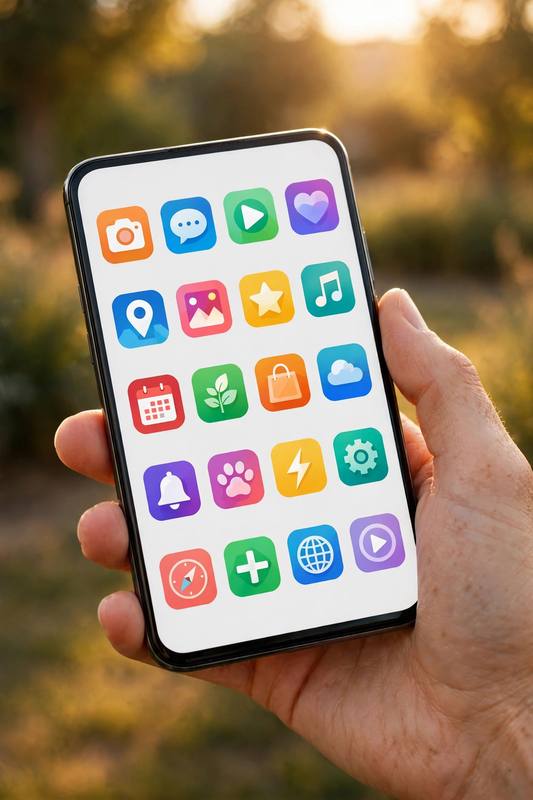
Good advice. Next word: app. An app is a small program on your phone, like a map or a game.
I use a weather app every morning. This app helps me learn new English words every day.
My favorite app is the recipe app. One good app can change your whole day.
True. I have an app for music, an app for maps, and an app for learning. My phone is full of apps.
How many apps do you have, Lena?
Too many. I should delete some apps this weekend.
Word six: data. Data is information that computers store and use.
Our data shows that most people learn faster with pictures. That is real data from a real study.
Interesting. When my phone data runs out, I cannot use the internet outside.
Yes, mobile data is expensive. I always check how much data I use every month.
The word data is everywhere now. Companies collect data about everything we do.
Next: gadget. A gadget is a small clever machine or tool.
He bought a new gadget that opens the door with his voice. Cool, right?
Very cool. My kitchen is full of gadgets. I have a gadget that makes coffee while I sleep.
Lucky you! I want a gadget like that. What is your favorite gadget?
My smart watch. It is a small gadget I wear every day.
That brings us to smart. For machines, smart means able to work alone and connect to the internet.
My smart speaker plays music when I say a word. I love my smart speaker.
I have smart lights. When I say good night, the smart lights turn off.
Smart homes are the future. A smart fridge can even tell you when the milk is old.
Amazing. The word smart is in everything now: smart TV, smart phone, smart watch.
Word nine: camera. A camera is a tool for taking photos and videos.
The camera on this phone takes very clear photos. I use my camera every day.
Me too. Last summer my camera broke on the beach, and I lost all my vacation photos.
That is terrible. A good camera is important for memories.
Now I have a new camera, and I take pictures of everything with my camera.
Last word: speaker. A speaker is a device that plays sound loudly.
We connected a speaker and danced in the living room. It was so much fun.
My smart speaker is my favorite speaker. It tells me the weather every morning.
I have a small speaker in my bag. When we travel, the speaker makes the trip better.
A loud speaker can fill a whole room. But please, never play your speaker too loud at night.
Good rule. One more quick note. The Muse English app is your daily English gym. You get fresh words with photos and pronunciation audio, this podcast, shadowing stories where you speak along, quizzes, useful grammar, and a leaderboard with points that keep you going. It is completely free, forever, with no ads. Install Muse English today and make English part of your morning coffee. Start with five minutes a day and watch your English grow.
Let us recap all ten words. Screen: the flat front part of your phone or computer.
Click: to press a button on a mouse or phone.
Upload: to send a file from your device to the internet.
File: a document or photo saved on a computer.
App: a small program on your phone.
Data: information that computers store and use.
Gadget: a small clever machine or tool.
Smart: a machine that connects to the internet and works alone.
Camera: a tool for taking photos and videos.
Speaker: a device that plays sound loudly.
Practice these words today. Try to use each one in a real sentence.
And join us tomorrow on Muse English. See you soon!
🎙 Try Shadowing free sample
Listen and repeat along with the studio audio. Full shadowing practice with pronunciation scoring is in the app.
My phone has a bright screen that I love.
Just click the green button to start the video.
I will upload my travel photos tonight and back up every important file.
Train your speaking
Shadow every sentence with studio audio and get your pronunciation scored — only in the Muse English app.
📝Grammar: Third conditional
We use the third conditional to talk about the past. We imagine how the past could have been different. We build it with **if + past perfect** in one half, and **would have + past participle** in the other half. Example: *If I had charged my phone, I would have taken more photos.* I did not charge it, so I took no photos. We never say ~~if I would have~~. The word **would** goes in the second half only. We can use **might have** or **could have** instead of **would have** when the result is less sure. *If she had clicked send, he might have seen the file.* The short form 'd means two thin
Master this grammar in the app
Get clear explanations, more examples and interactive exercises.
Keep learning every day
New lessons, podcasts and quizzes daily — free in the Muse English app.